Details.
Details Here you can find details about the device, policy applied and security of the device. You can also assign policies directly to the device. 1 Technical data Here you can see the most important technical data about your device, such as: device manufacturer device model device IMEI Wi-Fi SSID The version of the Proget application, e.t.c 2 Groups Here you can see the groups that are currently assigned to the device 3 Security Here you can see the security status of your device. There are four types of security status in the Proget system, such us: Safe Unsafe Information Critical Examples of statuses that can be found here: No password on the device Root status Play integrity verification status
Details
Updated:
Here you can find details about the device, policy applied and security of the device. You can also assign policies directly to the device.
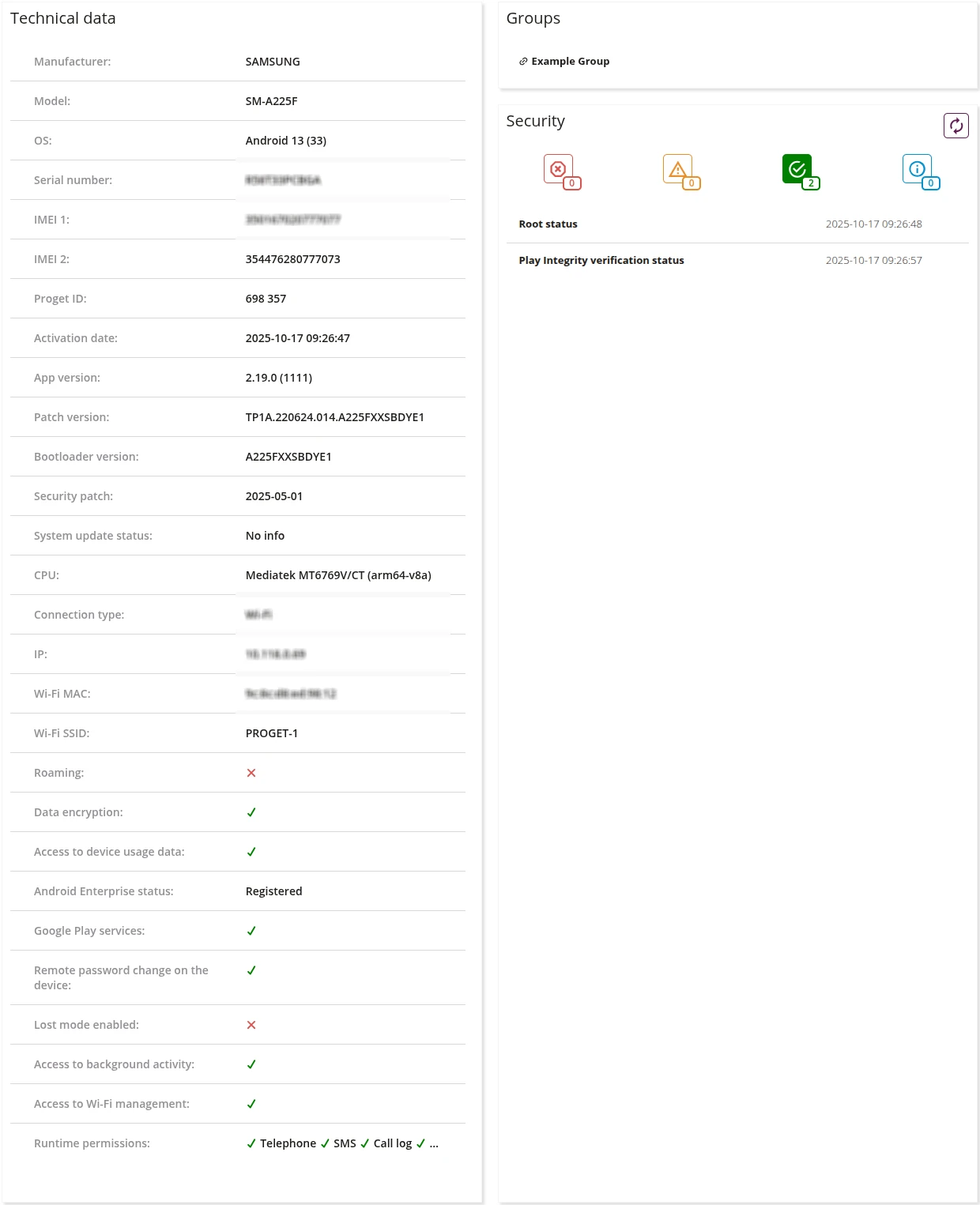
- Here you can see the most important technical data about your device, such as:
- device manufacturer
- device model
- device IMEI
- Wi-Fi SSID
- The version of the Proget application, e.t.c
- Here you can see the groups that are currently assigned to the device
- Here you can see the security status of your device. There are four types of security status in the Proget system, such us:
- Safe
- Unsafe
- Information
- Critical
- Examples of statuses that can be found here:
- No password on the device
- Root status
- Play integrity verification status