User Backups.
User Backups Here you will be able to send a backup of your private Android device to the server even if it is not activated in the Proget service. 1 Delete This action allows you to remove selected backups from the list 2 Generate QR Code 2.1 Enter the user name Enter the name of the user for whom the backup will be sent to the server. Then click on the 'Generate' button Required 3 List of backups made List of backups performed by the user Generated QR code of backup 1 QR Code To send a backup to the server scan the QR code with your private Android device
User Backups
Updated:
Here you will be able to send a backup of your private Android device to the server even if it is not activated in the Proget service.
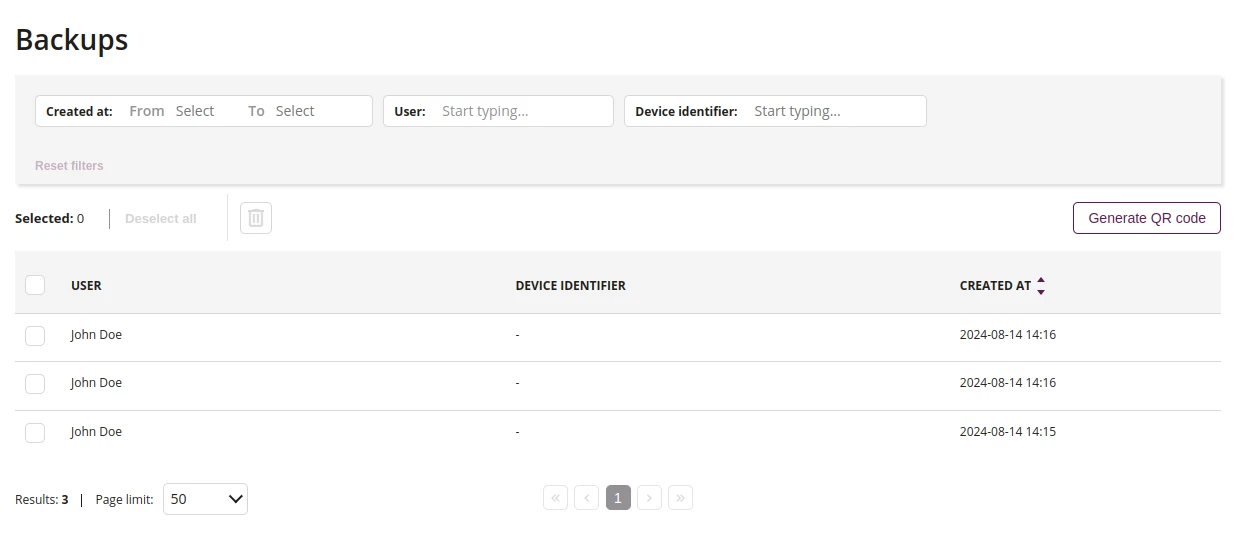
1 Delete
- This action allows you to remove selected backups from the list
2 Generate QR Code
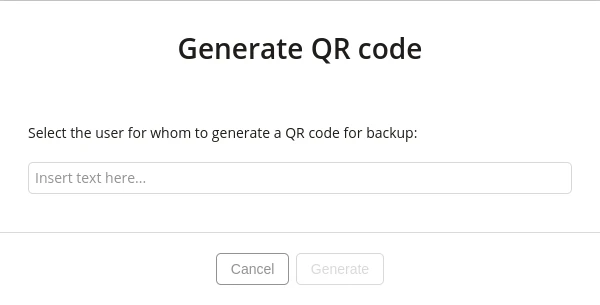
2.1 Enter the user name
- Enter the name of the user for whom the backup will be sent to the server. Then click on the 'Generate' button
- Required
3 List of backups made
- List of backups performed by the user
Generated QR code of backup
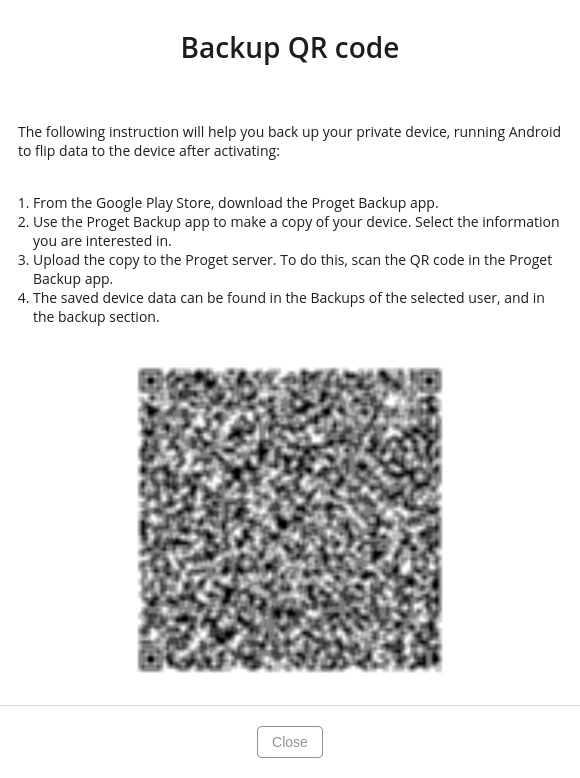
1 QR Code
- To send a backup to the server scan the QR code with your private Android device