Devices
Updated:
Here you can view all devices assigned to your user.
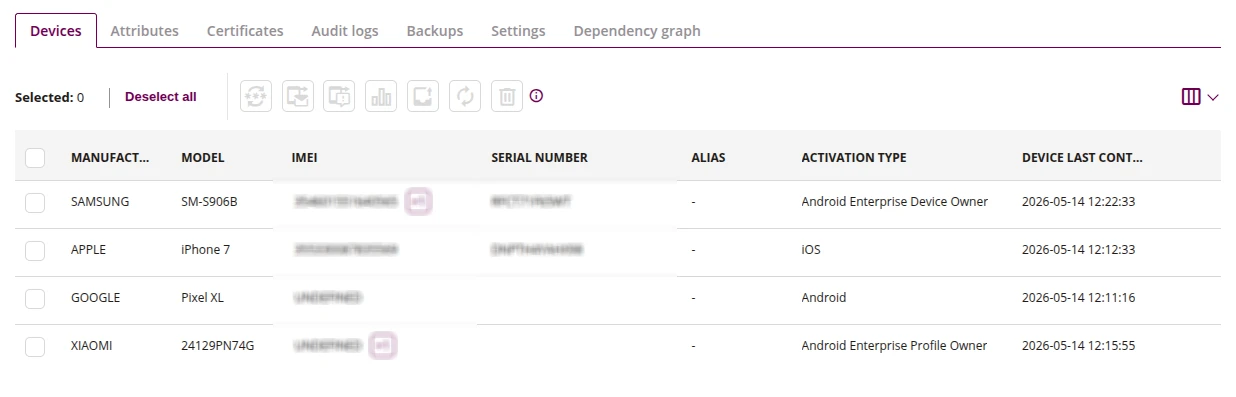
1 Reset device password
- This action allows you to reset the password on the selected device
2 Send message to device
- This action allows you to send a message to the selected device
3 Send alarm message to device
- This action allows you to send an alarm message to the selected device
4 Make a report
- This action allows you to make a data report on the selected device, such as:
- Storage memory usage report
- Mobile data usage report
- Wi-Fi data usage report
- Application usage report
5 Export data
- This action allows you to export data about the selected device
6 Refresh device
- This action allows you to refresh the selected device
7 Delete device
- This action allows you to remove the device
8 List of devices
- List of devices that have been activated in the console