
File
The File option allows you to upload a ready-made certificate file from your system to the profile. Use this option when you already have a generated certificate (e.g. issued by an external Certificate Authority) that you want to distribute to devices. Supported file formats: .crt, .cer, .der, .pfx, .p12. If the certificate is password-protected, the password must be provided during upload.
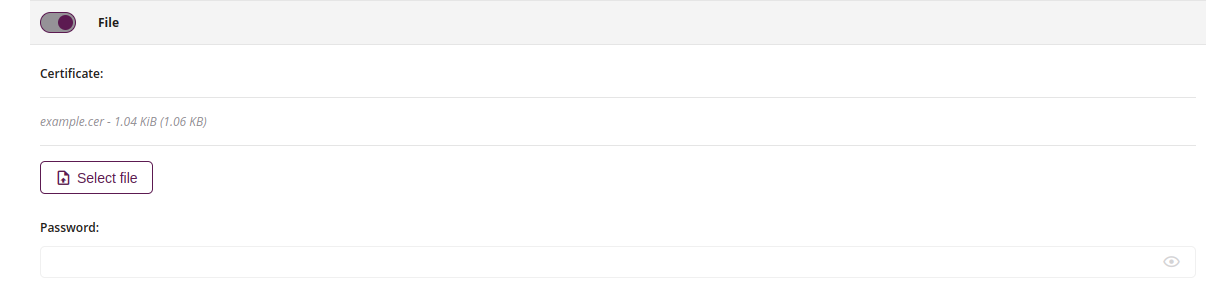
1 Certificate
- Chosen file name
- Required
2 Select file
- Select file from the system which will be used in profile
- Allowed file type: .crt, .cer, .der, .pfx, .p12
3 Password
- Enter the certificate password
- Required if certificate is protected by password
4 Certificate for Windows activation
- When enabled, the certificate uploaded to the profile will be installed on device configured with the Windows activation type.
- Applicable only for Windows devices
- The allowed file extensions for a certificate in the Windows system are: .pem, .crt, .cer, .der
NEW
5 Certificate type
- Select the type of certificate that determines how it will be used on the device
- Available options: CA, Intermediate
- This field is only available when ‘Certificate for Windows activation’ is enabled
NEW