
SCEP
NEW
Certificate with SCEP type automatically configure request the user certificate to authenticate the client without specifying domain credentials.
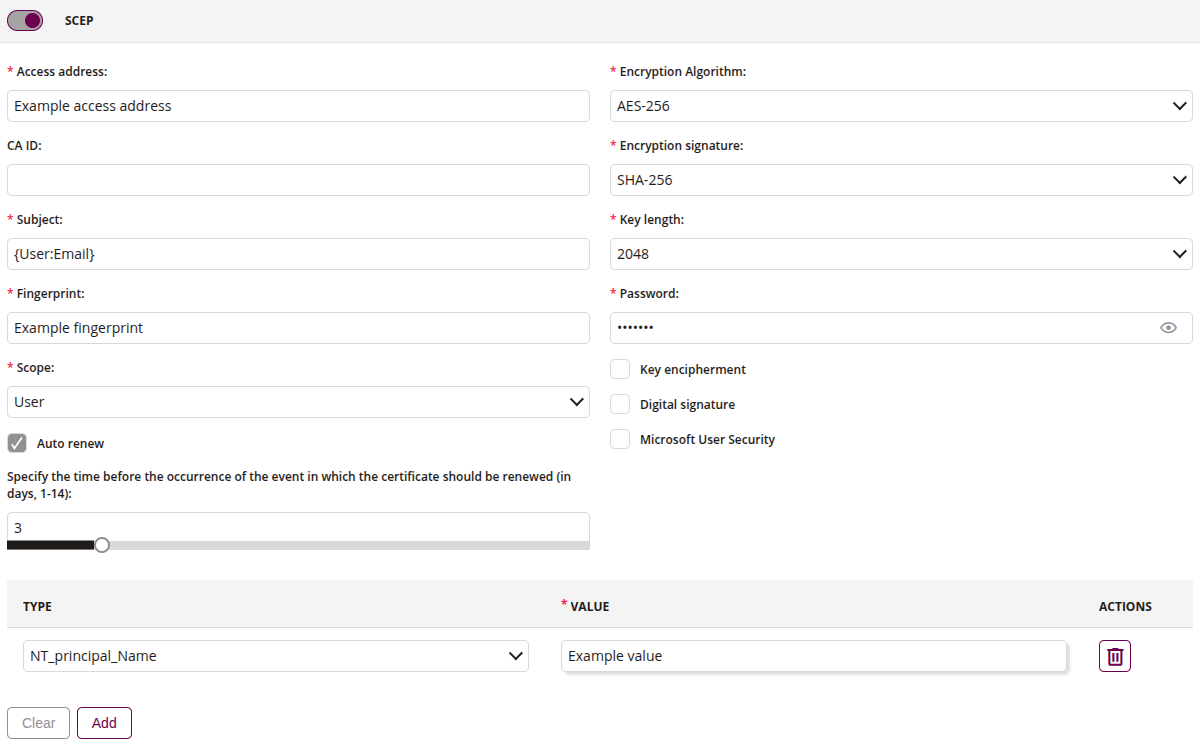
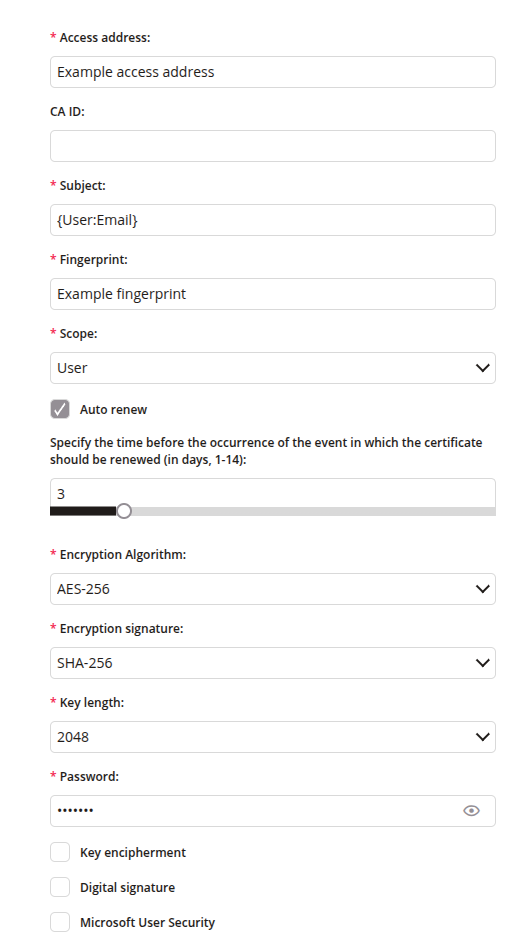
1 SCEP configuration
1.1 Access address
- Enter the name of the URL for the SCEP server (eg. Network Device Enrollment Service)
- Only 80 (HTTP) port is supported by default
- Exemplary URL: http://
/certsrv/mscep/mscep.dll - Maximum length of the text is 255
- Required
1.2 CA ID
- Enter the name of the profile for SCEP servers (eg. Network Device Enrollment Service) that support named-profiles.
- Maximum length of the text is 255
1.3 Subject
- Global variables available
- Required
1.4 Fingerprint
- Enter the fingerprint of the CA issuing the root certificate on SCEP server (eg. Network Device Enrollment Service)
- Maximum length of the text is 500
- Required
1.5 Scope
- User
- Device
1.6 Auto renew
- If selected, the certificate will be automatically renewed before expiration
1.7 Renew before
- Specify the time before the occurrence of the event in which the certificate should be renewed (in days, 1-14)
- Default value: 3
- Available when ‘Auto renew’ is selected
1.8 Encryption Algorithm
- Type of encryption algorithm. Defines how strong security will be.
- One of:
- AES128
- AES192
- AES256
- Required
1.9 Encryption signature
- Type of encryption signature. Defines how strong security will be.
- One of:
- SHA256
- SHA384
- SHA512
- Required
1.10 Key length
- Length of the key. Defines how strong security will be
- One of:
- 2048
- 3072
- 4096
- Required
1.11 Password
- Enter the enrollment challenge password generated during a SCEP server deployment
- The value should be a 32-digit string of alphanumeric characters
- Maximum length of the text is 255
- Required
1.12 Key encipherment
- If checked, use as key encipherment
- Use when the sender and receiver of the public key need to derive the key without using encryption
1.13 Digital signature
- If checked, use as digital signature
- Specific type of signature that is backed by a digital certificate. It’s providing proof of your identity
1.14 Microsoft User Security
- If checked, use the Microsoft User Security certificate template
2 Alternative names
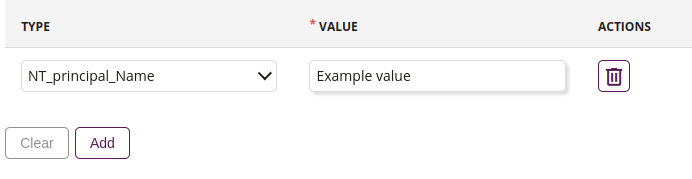
2.1 Type
- One of:
- Distinguished_Name
- NT_principal_Name
- RFC822_Name
- DNS_Name
- Required
2.2 Value
- Global variables available
- Required
2.3 Remove
- Removes added alternative name
2.4 Clear
- Removes all alternative names added to list
2.5 Add
- Adds alternative name to list